Is Tor Browser safe? For ordinary use, yes, and using it is legal in the United States. Those are the two anxieties behind this search, so they come first. The caveats come second, because Tor's safety depends on what you're protecting yourself from and on a few habits that can quietly defeat it. For most people asking the question, the fuller answer turns out to be: Tor Browser is safe, and you may not actually need it.
What Tor Browser actually is
Tor Browser is a free, open-source browser (built on Firefox) that routes your traffic through the Tor network: at least three volunteer-run relays, each adding its own layer of encryption. The design goal is that no single point in the chain knows both who you are and what you're looking at. In the Tor Project's own words, the first relay can see encrypted traffic coming from your computer but "still doesn't know who you are and what you are doing," and a bad exit relay can see the traffic you sent, "but if you're using encryption, it will only know the destination."
The practical effect: websites you visit don't see your IP address, your internet provider doesn't see which sites you visit, and your browsing can't easily be tied together into one profile. The cost is speed (three encrypted hops make everything noticeably slower) and friction, since some sites block Tor traffic or wall it behind a challenge page.
Is Tor legal in the US?
Yes. Tor is developed by a nonprofit, grew out of US Naval Research Lab work, and still lists the US State Department among its funders. The EFF's Tor legal FAQ says it is "not aware of an individual being sued, prosecuted, or convicted" even for running a Tor relay, and merely browsing with Tor is far less legally interesting than running the infrastructure. Illegal activity is equally illegal over Tor; the tool itself is lawful.
The related worry ("does downloading Tor put me on a list?") deserves a straight answer. In 2014, leaked NSA XKeyscore rules showed that connections to Tor's directory servers and website were flagged for retention. That is a documented fact, and also a twelve-year-old one; no comparable evidence has surfaced since. The practical counterweight is scale: millions of people use Tor daily for mundane reasons, and as one Tor researcher put it in the Hacker News discussion of Tor's safety, "Tor usage should be normalized so it is common and not notable."
Is Tor Browser safe? The documented risks
Malicious relays are real, documented, and mostly aimed at cryptocurrency theft. In 2020, a single actor controlled about 23% of Tor's exit capacity at peak and used it to strip HTTPS from cryptocurrency sites and swap Bitcoin addresses; the Tor Project confirmed and removed the relays. A separate actor, tracked by researchers as KAX17, ran hundreds of relays from at least 2017 until late 2021 before being purged. The lesson is narrower than "Tor is compromised": the exit relay can see unencrypted traffic, so HTTPS (which Tor Browser enforces where possible) is what protects the content of what you send.
When law enforcement has deanonymized Tor users, it has broken the browser or the user's software rather than the Tor protocol. The FBI's best-known operation, the 2015 Playpen case, worked by exploiting a vulnerability in the Firefox code bundled with Tor Browser to make targets' computers phone home. A German case disclosed in September 2024 used timing analysis against a chat app (Ricochet) that had been retired years earlier and lacked protections modern Tor software has. The Tor Project's response, "Is Tor still safe to use?", is the primary source, and its answer for Tor Browser users on current versions is yes. The unglamorous lesson: keep Tor Browser updated.
The biggest risk is your own behavior. The Tor Project's staying-anonymous guidance is blunt: log into your Google or Facebook account over Tor and the site "still doesn't know your location, but they know who you are." Torrent clients commonly leak your real IP address, so don't torrent over Tor. And don't open downloaded documents while online; they can fetch resources outside Tor and reveal your IP, a warning the Tor Project marks "DO NOT IGNORE."
How to use Tor Browser safely
Three habits cover most of it. First, don't install add-ons or plugins; the Tor Project's own guidance is that they "may bypass Tor or otherwise harm your anonymity," and they make your browser stand out from other Tor users. Second, stay logged out of anything tied to your real name for the duration of the session. Third, pick a security level: Tor Browser ships three (Standard, Safer, and Safest) that progressively disable JavaScript and other risky website features. If your situation is serious enough to need Tor, "Safer" is a sensible floor, and "Safest" is worth the broken sites when the stakes are high.
Expect challenge pages. Cloudflare and similar services treat Tor exits as suspect, and the "verify you are human" wall shows up constantly. We know that wall well from a different angle: it guards a lot of the people-search opt-out forms we screenshot for our removal guides, and its checkbox sits inside a closed shadow root that automation can't reach by element, so our pipeline has to click a screen coordinate to get past it. From Tor, you'll be clicking it by hand, often.
When Tor Browser is overkill, and what to use instead
If your goal is to stop advertisers, trackers, and profile-builders rather than to hide your IP address from the sites you visit, Tor is more tool than you need, and the speed cost buys you little.
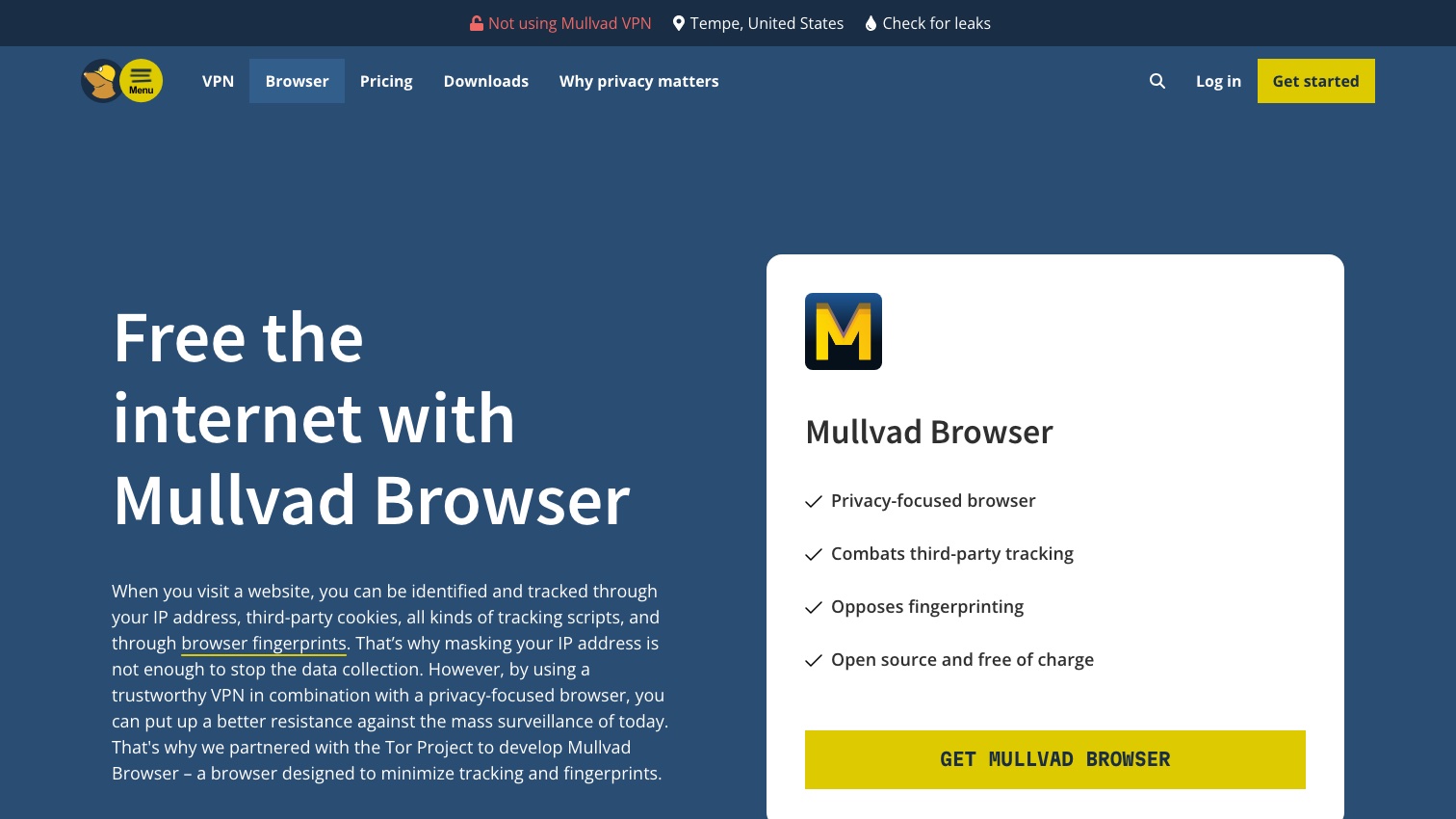
- Mullvad Browser is the direct off-ramp: built by the Tor Project itself in partnership with Mullvad, it is, in Mullvad's words, "a Tor Browser without the Tor network", the same anti-fingerprinting engineering at normal browsing speeds. It doesn't hide your IP on its own (pair it with a VPN if that matters to you).
Use Tor when the network matters: you need your IP hidden from the destination, you're on a network that censors what you can reach, or you're researching something where being identified carries real risk. For everyday browsing, our guide to the best private browsers maps the full field.
Frequently asked questions
Is Tor illegal? No. Using Tor is legal in the US and most democracies. What you do over it is judged exactly as it would be on any browser.
Can I be tracked on Tor? Not easily, and not by ordinary websites or advertisers. Documented deanonymization required either malware exploiting browser bugs or logging into an account that identifies you. Keeping the browser updated and staying logged out is most of the defense.
Do I need a VPN with Tor? The Tor Project doesn't recommend it "unless you're an advanced user who knows how to configure both in a way that doesn't compromise your privacy"; layering changes who can see what rather than adding straightforward safety. If you want VPN-plus-privacy-browser, Mullvad Browser with a VPN is the cleaner design.
Is the dark web the same as Tor? No. Tor can reach onion sites, but most Tor usage is ordinary web browsing with the identity layer stripped off. Installing Tor doesn't expose you to anything by itself.
What Tor can't do for you
Tor hides where your traffic comes from. It does nothing about the fact that your name, home address, phone number, and relatives are already published on people-search sites, in profiles built from public records and data brokers rather than from your browsing. When we screenshot those sites for our opt-out guides, the free preview page on a site like Spokeo shows a stranger your age, your relatives' names, and your past cities before any paywall, and Spokeo will often hold two or three separate profiles for the same person, keyed to different old emails and phone numbers. Anyone who searches your name finds them regardless of how carefully you browse. Removing those listings is a separate, site-by-site process, mapped in our full removal guide.
That's the layer Delist My Data automates: filing the opt-outs across people-search sites and re-filing when your data reappears. We're in pre-launch now; join the waitlist for founding-member access as we bring it online.