Yes. DuckDuckGo is safe, and it is genuinely more private than Google. Its privacy policy is one sentence a normal person can read: "We don't save or share your search or browsing history when you search on DuckDuckGo or use our apps and extensions." That's a real, structural difference from Google, whose entire business is the profile it builds on you. But if you searched "is DuckDuckGo safe" (or its angrier sibling, "why DuckDuckGo is bad"), you've probably seen both the praise and the pile-ons. Both have substance. Here's the honest version of each.
First: the search engine and the browser are different things
"DuckDuckGo" is two products people constantly conflate. The search engine (duckduckgo.com) answers queries without logging who asked. The browser (Windows, macOS, iOS, Android, but no Linux version) is a full app that blocks third-party trackers on every site you visit, not just on searches.
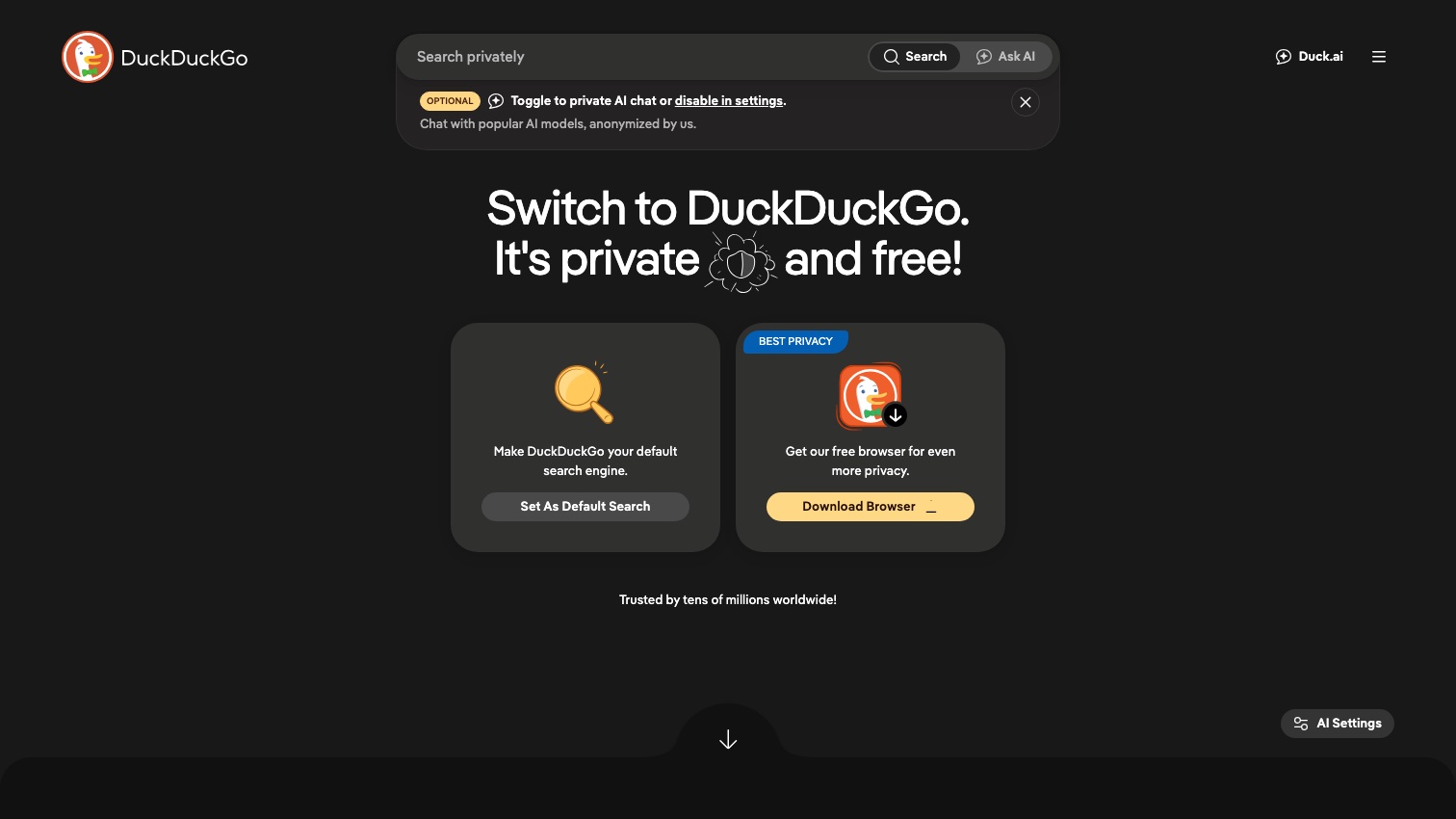
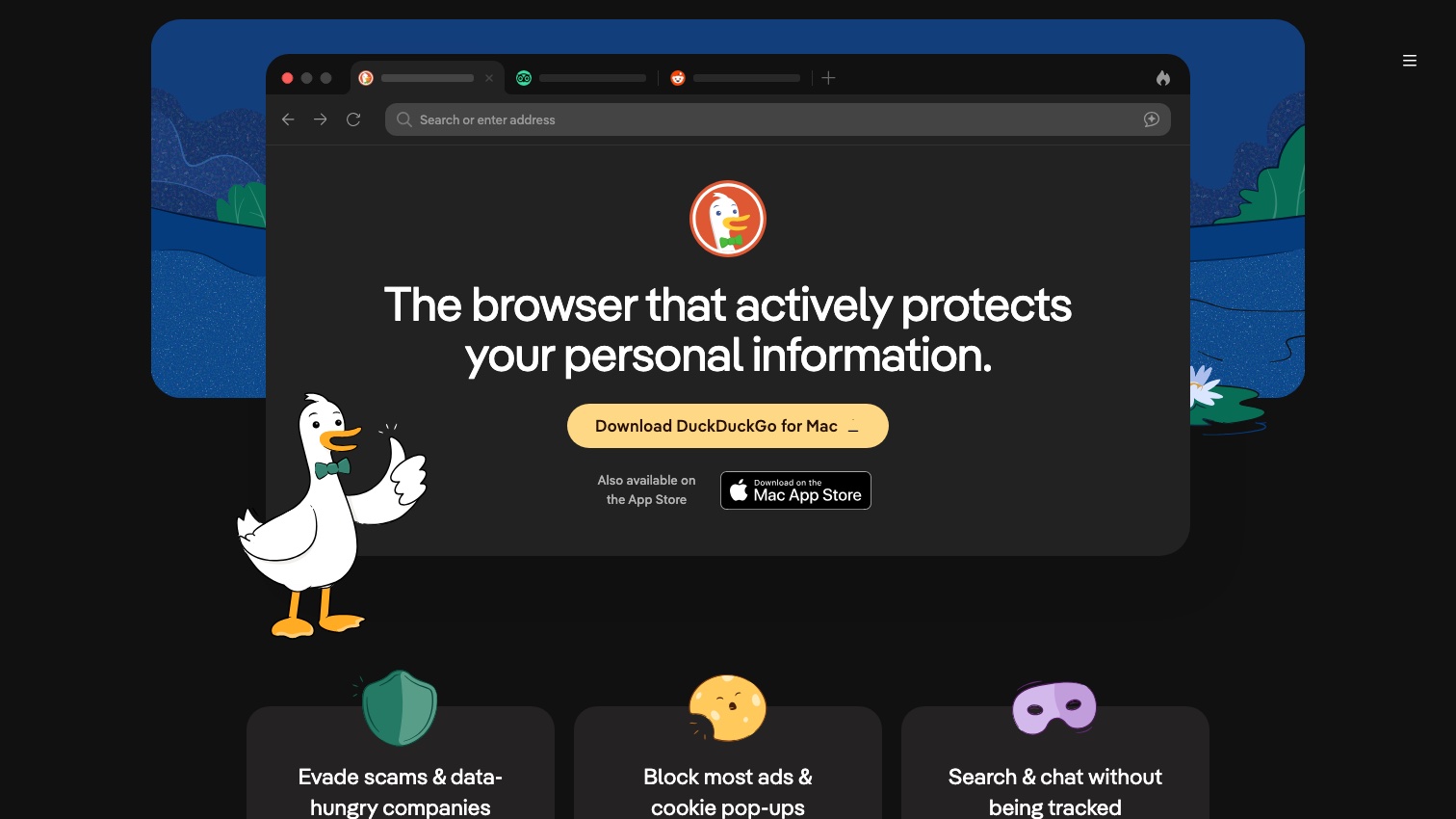
Most of the criticism aimed at DuckDuckGo is about search result quality; most of the safety value lives in the browser's protections. Keeping them separate makes the whole debate clearer.
What DuckDuckGo actually protects
The browser's protections are documented, specific, and mostly on by default:
- Tracker blocking built on Tracker Radar, DuckDuckGo's own open-sourced dataset of cross-site trackers, not a licensed copy of someone else's blocklist.
- Global Privacy Control on by default: a signal telling sites not to sell or share your data, which carries legal weight in California and other states.
- The Fire Button. One tap erases tabs, cookies, and site data, with "fireproofing" for sites you want to stay signed into.
- App Tracking Protection on Android, which blocks third-party trackers inside your other apps, a protection almost nothing else offers free.
- Email Protection hands you free @duck.com addresses that strip email trackers before forwarding to your real inbox.
- Scam Blocker, expanded in 2025 to flag fake stores, scareware, and investment scams using an on-device feed, with no Google Safe Browsing involved.
For a non-technical person who wants meaningful privacy with zero configuration, that's a strong package. It's why we consider the DuckDuckGo browser one of the two easiest recommendations for people who will never touch a settings page (the other is Brave; both are ranked in our guide to the best private browsers).
The 2022 Microsoft controversy, told straight
The biggest dent in DuckDuckGo's reputation was earned. In May 2022, security researcher Zach Edwards found that the DuckDuckGo browser blocked Google and Facebook trackers but allowed Microsoft trackers to load on third-party sites. The cause was a confidential clause in DuckDuckGo's search-syndication agreement with Microsoft (Bing supplies most of its traditional link results), and CEO Gabriel Weinberg confirmed it, noting the confidentiality itself had kept the carve-out undisclosed.
Three months later, DuckDuckGo renegotiated and closed the gap: Microsoft scripts joined the blocklist across all apps and extensions. One narrow exception survives, per that announcement. If you click an ad on DuckDuckGo search, a bat.bing.com request on the advertiser's site can record the conversion. You can eliminate even that by turning ads off in search settings.
Our read: the incident was a genuine transparency failure, the fix was real, and the remaining exception is disclosed and avoidable — a better outcome than most privacy vendors' controversies. But it's fair context for anyone deciding how much blind trust to extend.
"Why DuckDuckGo is bad": the criticisms with substance
Search quality depends on Microsoft. DuckDuckGo's own docs say traditional links are "largely sourced from Bing." When Bing wobbles, DuckDuckGo wobbles. In 2022, Bing-side changes briefly de-indexed piracy-adjacent sites and open-source tools from DDG results, and complaint threads about degraded results appear on Hacker News and r/duckduckgo in every era. When Microsoft retired its public Bing search API in 2025, DuckDuckGo's separate direct contract kept it running, but the episode underlined the single-supplier dependency. If result quality is your top priority, you may find yourself using DDG for most searches and falling back to another engine for the hard ones. That's a quality complaint, not a safety one.
The 2022 "down-ranking" backlash. DuckDuckGo announced it would down-rank sites associated with Russian disinformation; Weinberg called it standard relevancy ranking, part of the user base called it editorializing and left. Whichever side you take, it's a philosophy dispute, and nothing about it touched user privacy.
The AI backlash — which flipped into DuckDuckGo's biggest growth spurt. DuckDuckGo added AI-assisted answers and an anonymized AI chat, and some users hated it. Unlike its competitors, DuckDuckGo made every AI feature optional and shipped noai.duckduckgo.com, a version with all AI turned off. That bet paid off in May 2026, when Google's AI-first search overhaul sent DuckDuckGo installs up roughly 30% as people went looking for a search engine that would simply return links.
Frequently asked questions
Is DuckDuckGo legit? Yes. DuckDuckGo is a real, established company: founded in 2008, headquartered in Pennsylvania, and funded by search advertising that is shown against the words you type rather than against a profile of you. It is not a scam, not malware, and not a front for another search engine, though it does license result data from Microsoft's Bing (see the 2022 controversy above). The legitimate question is not whether it is real but how much it protects, which is what the rest of this page covers.
Is DuckDuckGo really private? For search, yes. Searches aren't logged to your identity, so there's no search history to subpoena, leak, or sell. The browser blocks most third-party tracking. What it can't do is make you anonymous: websites you visit still see your IP address (that's a Tor or VPN job), and if you log into an account, that site knows who you are.
Is DuckDuckGo owned by Google or Microsoft? Neither. It's an independent US company founded in 2008. It buys search-result data from Microsoft, which is a dependency, not an ownership stake.
Is DuckDuckGo safe for banking? Yes. It enforces HTTPS where available, and blocking trackers doesn't interfere with secure sites. Safety of banking depends on your bank's site and your own credentials, not on the browser brand.
Is DuckDuckGo good enough on its own? For stopping new tracking, it's a strong start. It does nothing about data already collected, including the people-search profiles of your name, address, and relatives built from public records. Notably, DuckDuckGo itself reached the same conclusion: its paid Privacy Pro subscription bundles a data-broker removal service, a tacit admission that browser privacy alone doesn't clean up what's already out there.
The verdict, and what DuckDuckGo can't fix
DuckDuckGo is safe, honest about its model by industry standards, and the easiest genuine privacy upgrade for a non-technical person: install it, change nothing, and you're better off. Its weaknesses are search-result quality and a supplier dependency on Microsoft, not your safety. Pair it with cleanup of what's already published about you: your broker and people-search listings exist regardless of which browser you use, and removing them is a site-by-site process mapped in our full removal guide.
That cleanup is what Delist My Data automates — filing removals across the people-search sites and re-filing when your data reappears. We're in pre-launch now; join the waitlist for founding-member access as we bring it online.