The best ad blocker for Chrome used to be an easy answer: uBlock Origin. But that's no longer an option. Google's Manifest V3 transition removed the full version of uBlock Origin from Chrome, and there's no tweak that brings it back. What's left is a choice between honest-but-limited replacements (uBlock Origin Lite, AdGuard's MV3 extension), one popular option with a business-model catch (Adblock Plus), and the answer most ranking articles overlook: if strong ad and tracker blocking is the reason you're searching, the clean fix is a browser whose blocker doesn't live inside Chrome's extension rules at all.
What happened to ad blockers on Chrome
Chrome extensions are being migrated from a framework called Manifest V2 to Manifest V3. The change that matters replaced the webRequest API (which let a blocker inspect and veto every network request in real time) with declarativeNetRequest, where the extension hands Chrome a fixed list of rules and Chrome does the matching itself. Rule lists are capped, can't adapt per-site on the fly, and in uBlock Origin Lite's case only update when the extension itself updates, a real handicap in the cat-and-mouse game against anti-adblock scripts.
The shutdown was gradual, which is why you may have kept full uBlock Origin longer than a friend did: Chrome began disabling Manifest V2 extensions in stable in October 2024, removed the last user-facing re-enable option through 2025, and retired the enterprise-policy exception with Chrome 139 in August 2025. By summer 2026 the remaining hidden workarounds were deleted too. There is no flag, policy, or toggle left. Raymond Hill, uBlock Origin's developer, was blunt about the replacement he built: "I consider uBO Lite to be too different from uBO to be an automatic replacement."
If you're staying on Chrome: the honest shortlist
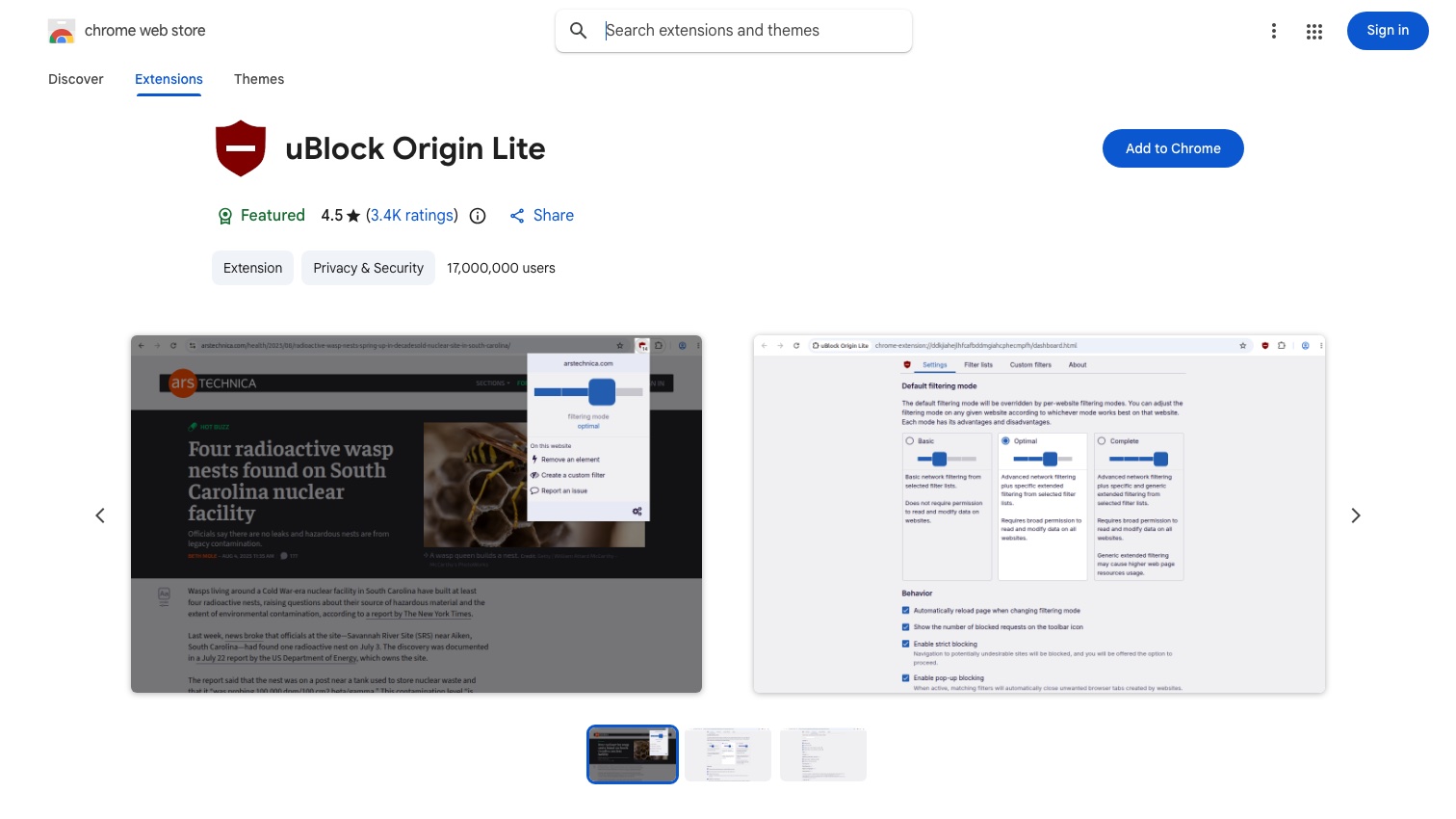
uBlock Origin Lite is still the default recommendation, from the same developer, free and open source with no monetization. Set it to "Optimal" mode so it can apply cosmetic filtering. Know what you're giving up versus the original: no dynamic filtering, generic cosmetic filtering off by default, and filter lists frozen between extension releases. Hill's stated goal was a blocker for people who used uBlock Origin "in an install-and-forget manner". For that use it's fine. For aggressively anti-adblock sites, it loses fights the original won.
AdGuard's MV3 extension is the strongest alternative, and it earns trust the right way, by publicly documenting its own limitations: a 5,000 dynamic-rule cap, a maximum of 50 enabled filters, and filter updates that ship only with store-reviewed extension updates. In community testing it trades blows with uBO Lite; either is a reasonable pick.
Ghostery remains a legitimate tracker-focused option with built-in cookie-banner handling, fully MV3-compatible.
Adblock Plus works under Manifest V3, since its rule-list architecture always resembled what MV3 mandates, but it comes with a structural conflict of interest you should know before choosing it: its "Acceptable Ads" program is on by default, and its parent company eyeo states plainly that "for large platforms that benefit commercially from participating in the Acceptable Ads program, we charge a licensing fee". An ad blocker paid by advertisers to show ads is not malware, but it's not what most people searching for an ad blocker think they're installing. If you use it, turn Acceptable Ads off.
Whatever you pick, skip the no-name "AdBlock for Chrome"-style clones that crowd the Web Store. Extension permissions that can read every page you visit are exactly the access a data harvester wants, and the ad-blocking category has a long history of lookalike extensions monetizing browsing data.
The answer the listicles bury: stop using Chrome for this
If blocking ads and trackers matters enough that you're comparing extensions, the stronger move is a browser where the blocker isn't subject to Chrome's extension rules at all:
-
Firefox still runs the full, original uBlock Origin. Mozilla committed to keeping the blocking
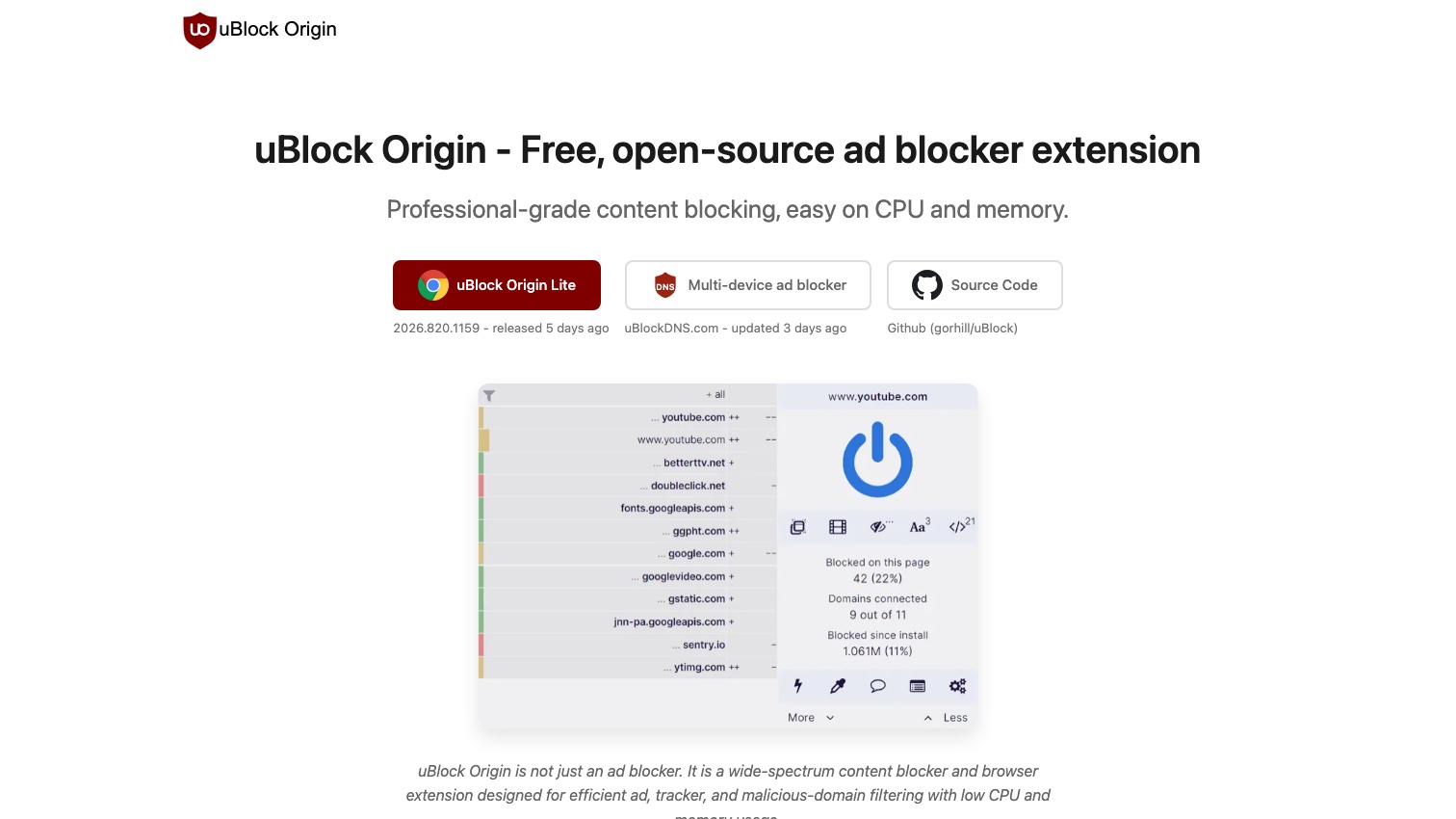
webRequestAPI alongside Manifest V3 precisely so ad blockers keep working, and has held that line since. Hill's own project page recommends Firefox as the browser where uBlock Origin works best.
When Chrome finally cut uBlock Origin off, the top comment threads on Hacker News split three ways: accept uBO Lite, move to Firefox, or move to Brave. That's the real decision tree, and only one branch keeps you on Chrome. Our guide to the best private browsers compares where each landing spot leaves you.
Ad blocking on your phone
Chrome for Android does not support extensions at all, and Google has said its experimental extension support for desktop-class Android builds is not coming to mobile Chrome. Every "adblock for Chrome mobile" search dead-ends there. The working options are a different browser or a system-level blocker:
- Firefox for Android installs the full uBlock Origin.
- Brave for Android/iOS ships Shields built in.
- AdGuard's apps filter system-wide; note the Android version must be installed from AdGuard's site, since Google Play bans system-level ad blockers.
Frequently asked questions
Does uBlock Origin still work on Chrome? No. The full version is a Manifest V2 extension, and Chrome removed Manifest V2 support entirely — the enterprise-policy and hidden-flag workarounds are gone too. Only uBlock Origin Lite runs on Chrome now.
Is uBlock Origin Lite as good as uBlock Origin? Its own developer says no — it lacks dynamic filtering, defaults to less cosmetic filtering, and can't update filter lists between releases. It's a good install-and-forget blocker, not a replacement for power users.
What about YouTube ads? The full uBlock Origin on Firefox or Brave's Shields handle YouTube far more reliably than any Chrome MV3 extension, because fighting YouTube's blocker-detection requires exactly the dynamic filtering MV3 removed.
Are free ad blockers safe? The reputable ones above are. Be suspicious of anything else asking to "read and change all your data on all websites" — that permission is a browsing-history pipeline if the developer chooses to monetize it.
What an ad blocker can't do
One boundary matters for your privacy either way: an ad blocker stops tracking scripts from watching what you do from now on. It does nothing about the profile of you that already exists — the name, address, phone, and relatives pages that people-search sites and data brokers compiled from years of records before you installed anything. Blocking is prevention; getting those listings taken down is cleanup, and each broker has its own opt-out process, mapped in our full removal guide.
That cleanup (filing removals across the people-search sites and re-filing when your data reappears) is what Delist My Data is built to automate. We're in pre-launch now; join the waitlist for founding-member access as we bring it online.